Release Information
Release Information - Version 1.16
Custom Job Views
It is possible in the Job view to create custom tabs or views, which can be used together with a custom filter to display jobs matching specific criteria.
From the Jobs menu, there is a button to access the View Settings dialog.
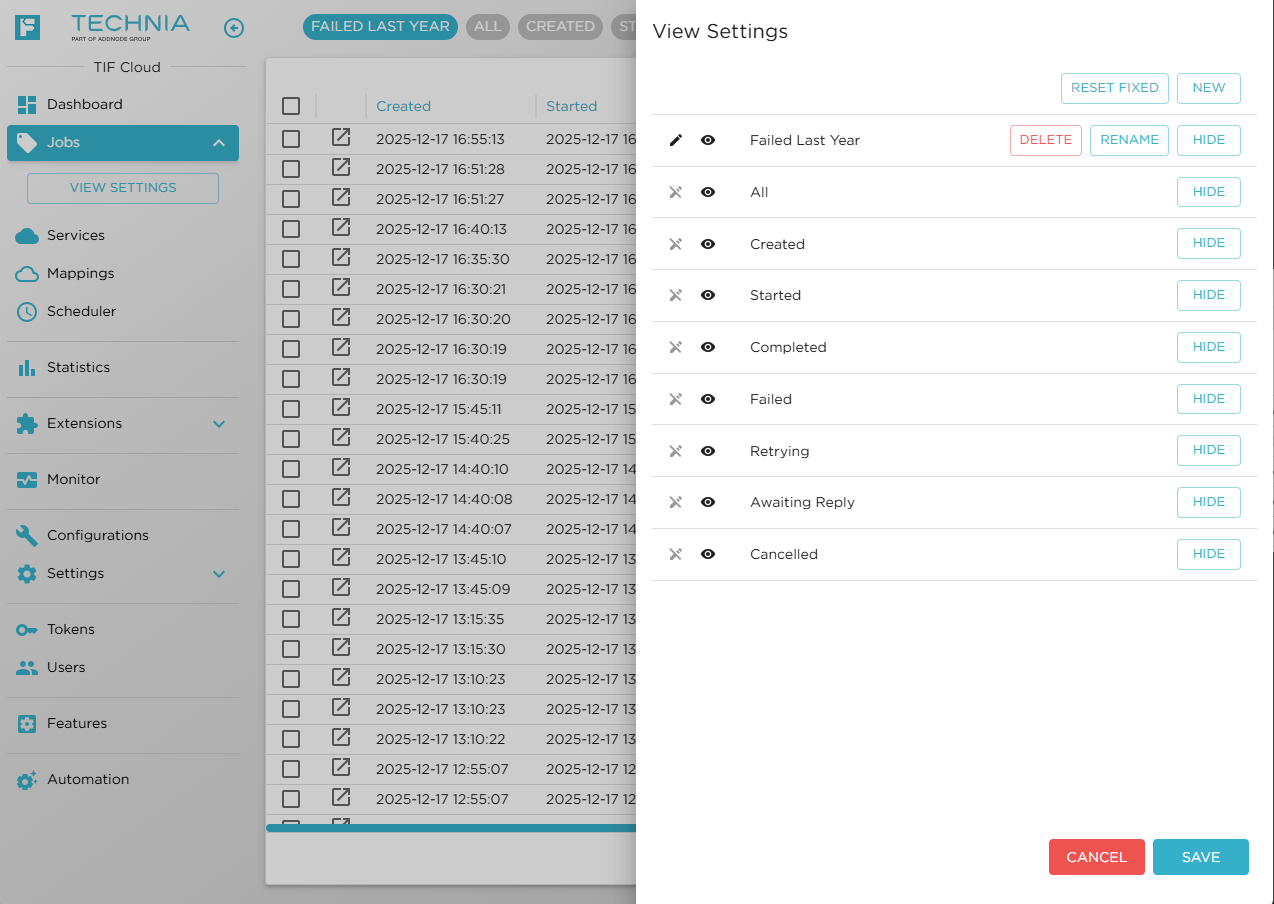
Figure 1. Manage Job Views
Here you can create or administer the views.
Once a view is applied, any job filters used will be persisted together with the view.
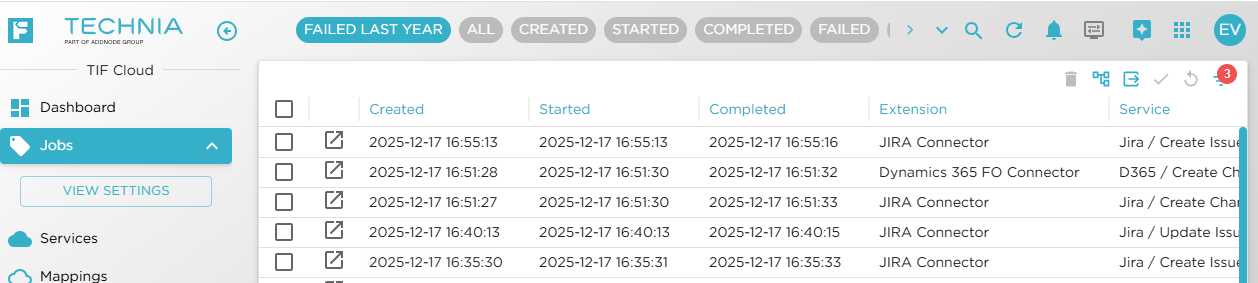
Figure 2. Custom View Applied
Filter Support for DSX Source Events
A new filtering function has been added to the DSX Source Events table.
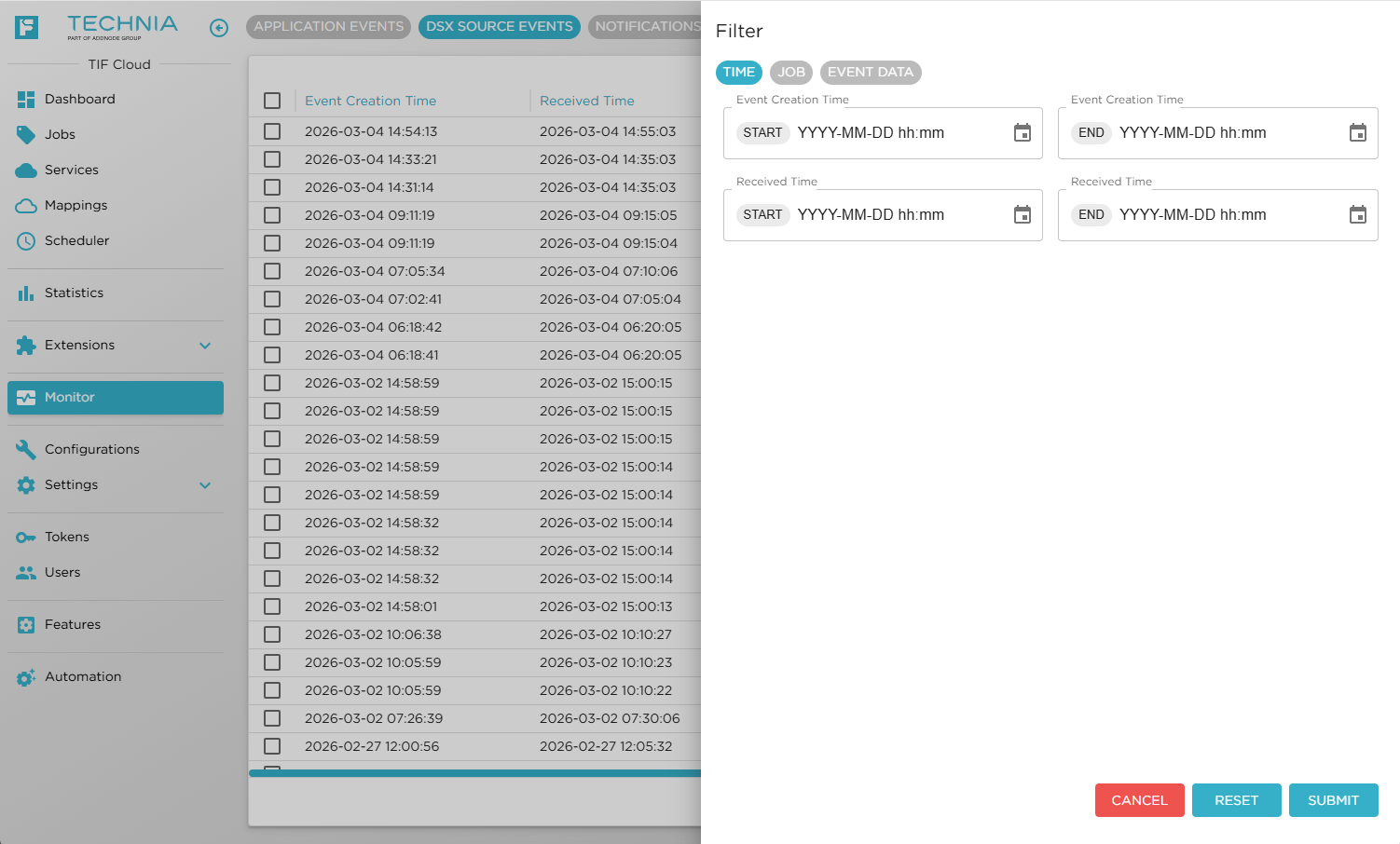
Figure 3. Event Filter
You can filter on various properties of the event, such as:
-
Creation Time
-
Received Time
-
Whether the event was mapped to a Job or not
-
Specific object in 3DEXPERIENCE™
-
User initiating the event
-
The event class or type